
 EN-IN
EN-INDownload and use 96.com on your Android device, or access our mobile-friendly website on iOS.
Download App96 App Download – Get the 96.com App for Android and iOS

Sports betting, casino games, and account management are all accessible from your smartphone with our mobile platform. The 96 com app brings cricket markets, football betting, live casino entertainment, and payment features together in a convenient interface designed for Indian players. You can download the Android version through our official website, while iPhone and iPad users can access our mobile-optimised platform through their browsers. Once registered, you can explore available games, make deposits, and participate in eligible promotions. Our welcome offer provides up to $250 across the first three qualifying deposits, with full conditions available in the Promotions section. The 96.com app keeps your main account features within easy reach.
How to Get the 96 com App
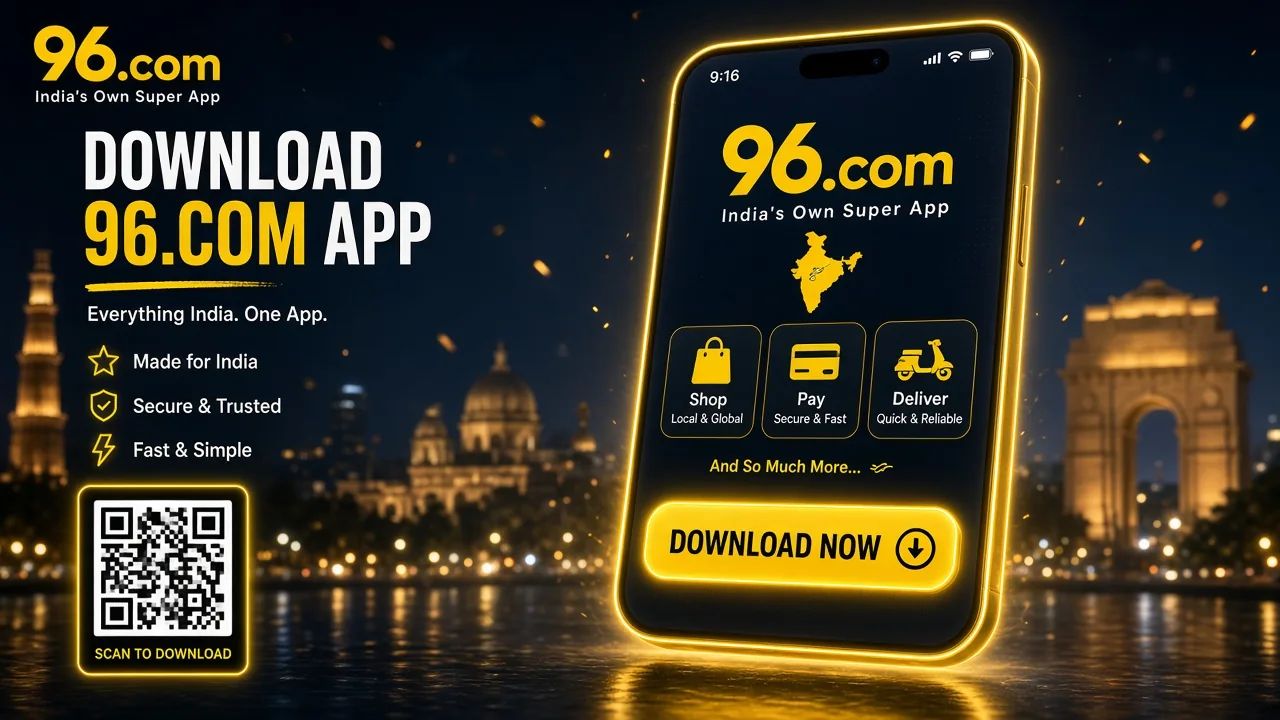
We provide direct access to our Android application through the official website, where you can find the download option and follow the installation instructions. The 96 app download process is straightforward, while iOS users can access our services through a mobile browser. If you encounter difficulties, our Customer Support team can help you access your account.
96 App Download APK for Android Phones
Installing our Android application allows you to access sports markets, casino entertainment, and account services directly from your smartphone or tablet. We recommend obtaining the 96.com apk exclusively through our official website to avoid outdated or unauthorised installation files.
To complete the 96 app download apk installation, follow these steps:
- Visit our official website using your Android browser.
- Find and select the Download App button.
- Download the latest available APK file.
- Open your device settings and allow installation from the relevant source if prompted.
- Locate the downloaded file and launch the installer.
- Follow the instructions to complete installation.
- Open the application and sign in using your registered credentials.
Once installed, you can explore supported sportsbook markets and casino categories through the mobile interface.
Find mobile download information and installation options.
How to Download 96.com on iOS
We aim to make our mobile services accessible to iPhone and iPad users through convenient and secure access options. If the 96.com application is available in your region's App Store, you can install it directly on your Apple device without downloading APK files or changing your device's security settings.
To check availability and download the application, follow these steps:
- Open the App Store. Launch Apple's official application store on your iPhone or iPad.
- Search for the application. Enter 96.com or 96in in the search bar.
- Check the app details. Confirm that the listing belongs to our official platform before proceeding.
- Tap Get. If the official application is available, select Get to begin downloading it.
- Confirm the installation. Use Face ID, Touch ID, or your Apple Account password when requested.
- Launch the application. Once installation is complete, open the app from your home screen.
- Sign in or register. Enter your existing account credentials or create a new profile to access available features.
Once you have signed in, you can explore our sportsbook, casino entertainment, promotions, and account services through the supported mobile interface. If you cannot find an official application in the App Store, you can continue using our mobile-optimised website through Safari or contact Customer Support for guidance.
Continue through the mobile-friendly platform.
What You Should Know About the 96.com Mobile Application
We have designed the 96 app to bring the main functions of our website into a convenient mobile experience. Android users can explore cricket, football, and other sports directly from their device, while the straightforward interface makes switching between sections easy. Beyond pre-match betting, we provide access to live markets, casino entertainment, account settings, and supported payment methods. Our navigation keeps these services connected, allowing you to manage your activity without repeatedly returning to the desktop website.
What You Can Do with the 96 Casino App
Our mobile platform brings together the main services available through our website, from sportsbook markets to casino games and personal account management. The 96.com app is designed to make these features accessible through familiar navigation.
| Feature | Details |
| Download source | Official 96.com website |
| Supported platforms | Android application and mobile browser access |
| iOS access | Mobile-optimised website |
| Application format | APK for Android |
| Application version | Latest available version provided through the official download |
| Sports betting | Pre-match markets across supported sports |
| Live betting | In-play markets and updated odds |
| Casino games | Slots, table games, live casino |
| Supported language | English |
| APK file size | Displayed when downloading the installation file |
| Registration and login | Available |
| Deposits and withdrawals | Supported through account payment services |
| Payment methods | UPI, NetBanking, Bank Transfer, Skrill, AstroPay, Neteller, selected cryptocurrencies |
| Bonuses and promo codes | Available through eligible promotions |
| Account verification | KYC may be required |
| Betting and transaction history | Account records where available |
| Application updates | Download the current version from the official source |
| Responsible gambling | Guidance and assistance through Customer Support |
| Customer support | Live chat and email |
Register Your Account in the 96.com App
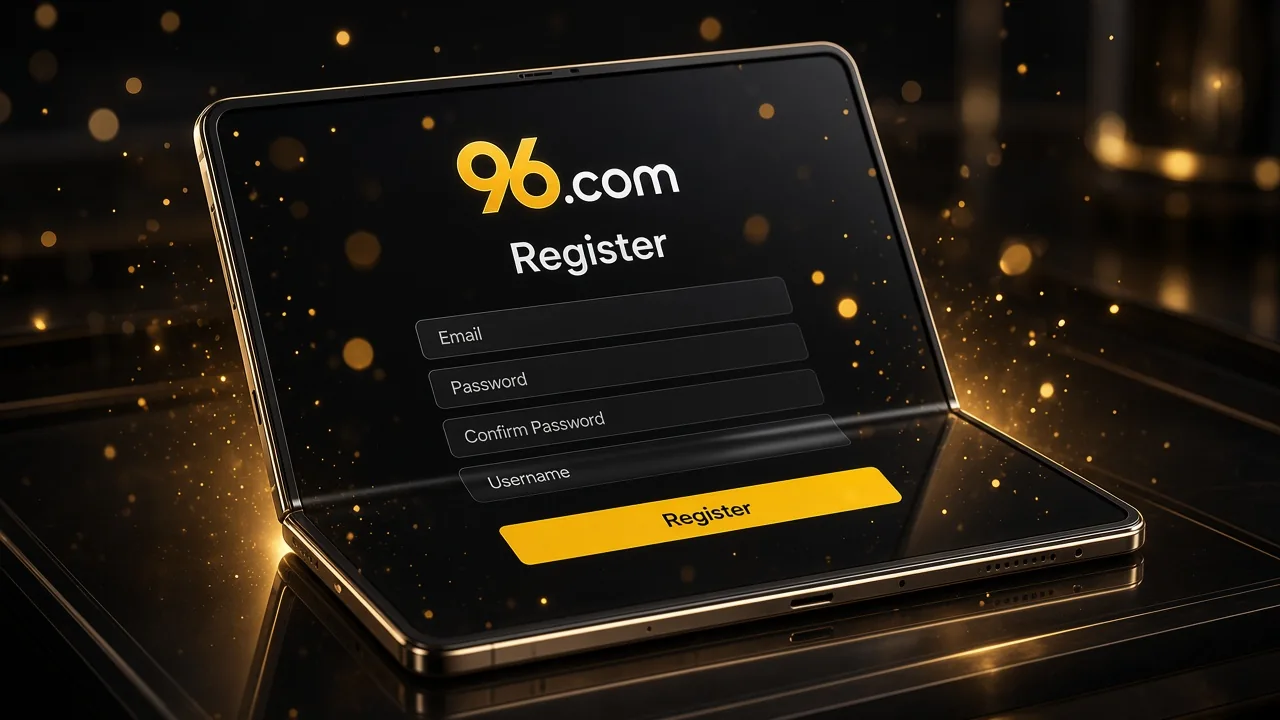
Registration connects our sports betting and casino services to your personal profile, allowing you to manage payments, promotions, and account settings in one place. Through the 96.com app, you can create an account using a straightforward process before exploring available features.
To register, follow these steps:
- Launch our mobile application.
- Tap the Register button.
- Enter your mobile number and the required personal details.
- Request and enter the SMS verification code.
- Create a secure username or password as requested.
- Review the registration information and confirm your account.
After registration, you can log in, browse available games, review bonuses, and access deposits, withdrawals, and betting history where supported. Additional identity verification may be required for certain transactions.
Visit the platform to explore registration.
Log In to the 96.com App
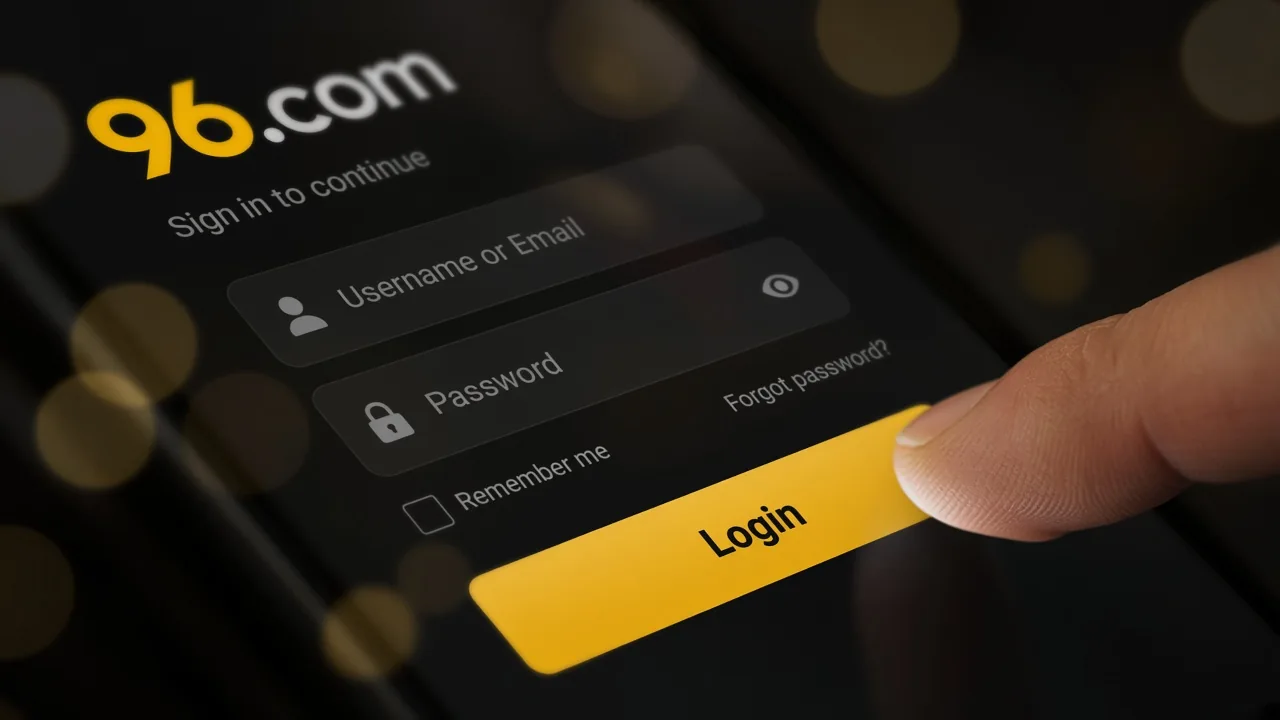
Once you have registered, signing in allows you to access your balance, sports markets, casino games, promotional offers, and payment services through your personal account. We use a familiar login process across our mobile and desktop interfaces.
To sign in, follow these steps:
- Open our mobile application.
- Tap Login on the main screen.
- Enter your registered mobile number.
- Type your account password.
- Confirm your login details to access your profile.
If you forget your password, select Forgot Password and follow the recovery instructions. Our Customer Support team can also assist with account access problems. Never share your login credentials or verification codes with anyone.
Add Money to Account Using the 96 App
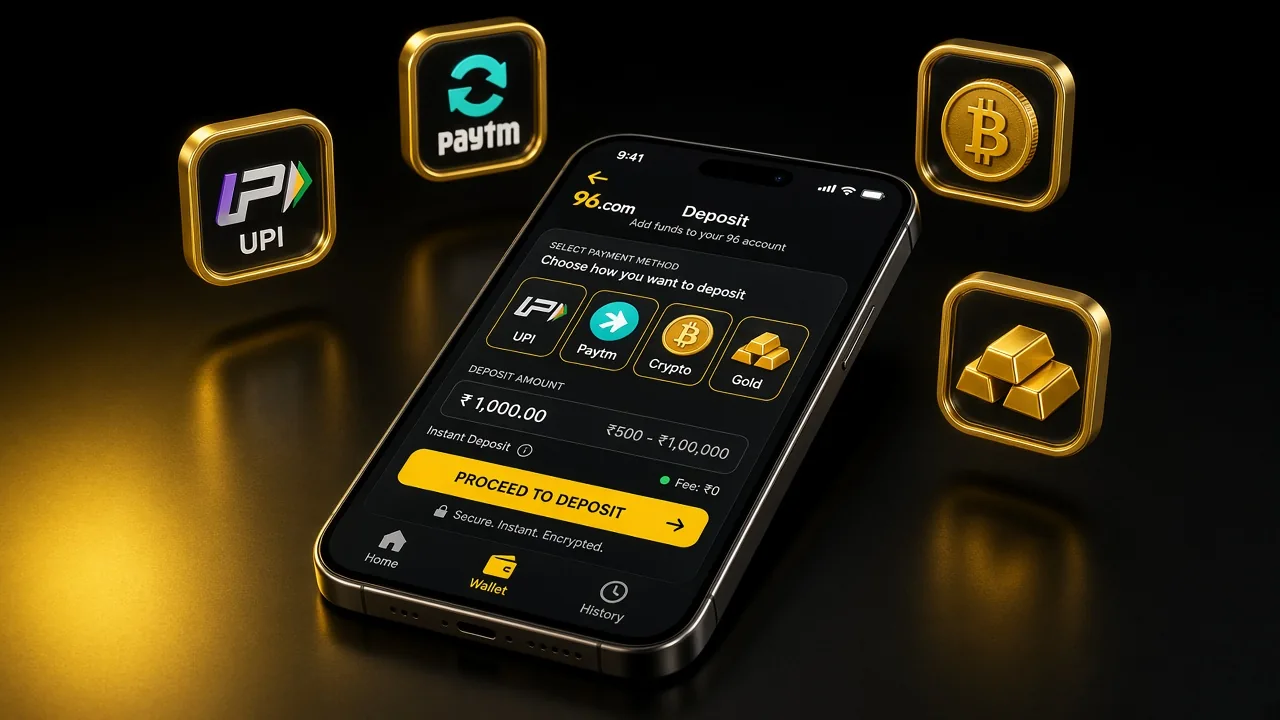
We provide several payment options to help you fund your account from a mobile device. Through the 96 apk, you can access the deposit section and choose from supported banking services, electronic wallets, and cryptocurrency methods.
The general deposit range referenced for our platform extends from $10 to $500,000, although individual payment methods may apply different limits. The amount available for a particular transaction is displayed in the cashier.
To deposit funds, follow these steps:
- Log in to your account.
- Open Wallet and select Deposit.
- Choose an available payment method.
- Enter your preferred deposit amount.
- Provide the required payment details.
- Review and confirm the transaction.
The following table outlines our supported methods and their processing arrangements.
| Payment Method | Minimum Deposit | Maximum Deposit | Processing Time |
| UPI | Check cashier | Method-specific limit | Usually instant |
| NetBanking | Check cashier | Method-specific limit | Usually instant |
| Bank Transfer | Check cashier | Method-specific limit | Bank-dependent |
| AstroPay | Check cashier | Method-specific limit | Usually instant |
| Skrill | Check cashier | Method-specific limit | Usually instant |
| Neteller | Check cashier | Method-specific limit | Usually instant |
| Cryptocurrency | Network-specific | Network-specific | Blockchain-dependent |
We recommend reviewing the official cashier limits before confirming a payment, as the available methods and transaction requirements can vary. Our payment interface provides the relevant details for each selected option.
Withdraw Your Money Through the 96.com App
We provide withdrawal services through your account Wallet, allowing eligible balances to be transferred using supported payment methods. If your account includes a 96 Coin balance, it may first need to be converted into an available fiat currency before withdrawal.
Where the 96 Coin Exchange function is available, the conversion process follows these steps:
- Sign in and open Wallet.
- Navigate to Withdrawal.
- Select 96 Coin Exchange.
- Enter the number of Coins to convert.
- Review the conversion preview and destination currency.
- Check the exchange rate, applicable fees, and limits.
- Confirm the exchange if the displayed amount is acceptable.
After conversion, the eligible balance can be withdrawn through an available payment method.
To submit a withdrawal request:
- Open Wallet → Withdraw.
- Select your preferred withdrawal method.
- Enter the required payment details and amount.
- Provide your account password if requested.
- Confirm and submit the request.
Withdrawal limits depend on the selected payment service. Cryptocurrency transactions may have different requirements from local currency transfers, while network conditions and verification checks can affect processing times.
| Withdrawal Method | Minimum Withdrawal | Maximum Withdrawal | Processing Time | Transaction Fee |
| UPI | Cashier limit applies | Method-specific | Usually 1–2 business days | Check cashier |
| NetBanking | Cashier limit applies | Method-specific | Usually 1–3 banking days | Check cashier |
| Bank Transfer | Cashier limit applies | Method-specific | Usually 1–3 banking days | Check cashier |
| AstroPay | Cashier limit applies | Method-specific | Usually 1–2 business days | Check cashier |
| Skrill | Cashier limit applies | Method-specific | Provider-dependent | Check cashier |
| Cryptocurrency | Asset-specific | Network-specific | Network-dependent | Network or provider fees may apply |
We recommend checking the currently displayed limits, including any minimum withdrawal requirement, before submitting a request. Additional KYC or promotional conditions may apply.
Find Bonuses and Offers in the 96 Casino App

Our promotional programme includes rewards for eligible sports betting and casino activity. Through the 96.com app, you can explore current offers in the Promotions and Rewards sections and review their conditions before participating.
To claim an available promotion:
- Open the application and log in.
- Navigate to Promotions or Rewards.
- Browse the available offers.
- Select a promotion that matches your eligibility.
- Read the Terms & Conditions.
- Tap Claim Bonus if manual activation is required.
After activation, the reward may appear in your bonus balance or promotional account section. Its use depends on whether the offer applies to casino games, sports betting, or both. Wagering requirements, qualifying deposits, and validity periods can vary between promotions.
Play Casino Games and Bet on Sports with the 96 Com App
Our mobile platform combines casino entertainment and sportsbook markets, giving registered users access to different gaming categories through a familiar interface. With the 96.com mobile application, you can explore available slots, card games, live dealer tables, and sporting events after signing in.
The casino catalogue includes traditional games such as blackjack, roulette, baccarat, poker, Teen Patti, and Andar Bahar. Our slot selection may feature different themes and mechanics, with individual titles depending on current availability.
The 96 casino app also provides access to sports disciplines including cricket, football, basketball, tennis, kabaddi, volleyball, esports, and other supported events. Selected competitions offer pre-match and live betting markets.
To begin, open the casino or sportsbook section, choose a game or event, and review the relevant rules or odds. If placing a real-money bet, enter your stake and confirm the selection after checking the displayed details.
FAQ
Where Can I Find the 96.com App for Android and iOS?
You can download our Android application through the official website using the Download App button. For iOS devices, we provide access through our mobile-optimised website, where available installation instructions are also displayed.
What Should I Do If the 96.com APK Won't Install?
If the 96 app does not install, check your Android permissions, available storage, and downloaded file. Use only our official installation source and contact Customer Support if the problem continues.
Can I Register and Log In Using the 96 Com App?
Yes. Our Android application supports account registration and login. Once registered, you can access personal settings, eligible bonuses, casino entertainment, and available sportsbook services using your existing credentials.
How Can I Claim Bonuses Through the 96 Casino App?
Open the 96 app, complete your login, and visit Promotions or Rewards. Choose an eligible offer, review its requirements, and use the claim option when activation is necessary.
Can I Deposit and Withdraw Money Using the 96.com Mobile Application?
Yes. Our mobile services provide access to supported deposits and withdrawal requests. Select an available payment method, review its limits, and complete any required verification steps before confirming the transaction.
Find the Android APK option through our account website, or open the mobile experience directly in Safari on an iPhone. Always confirm the download source before installing an app.